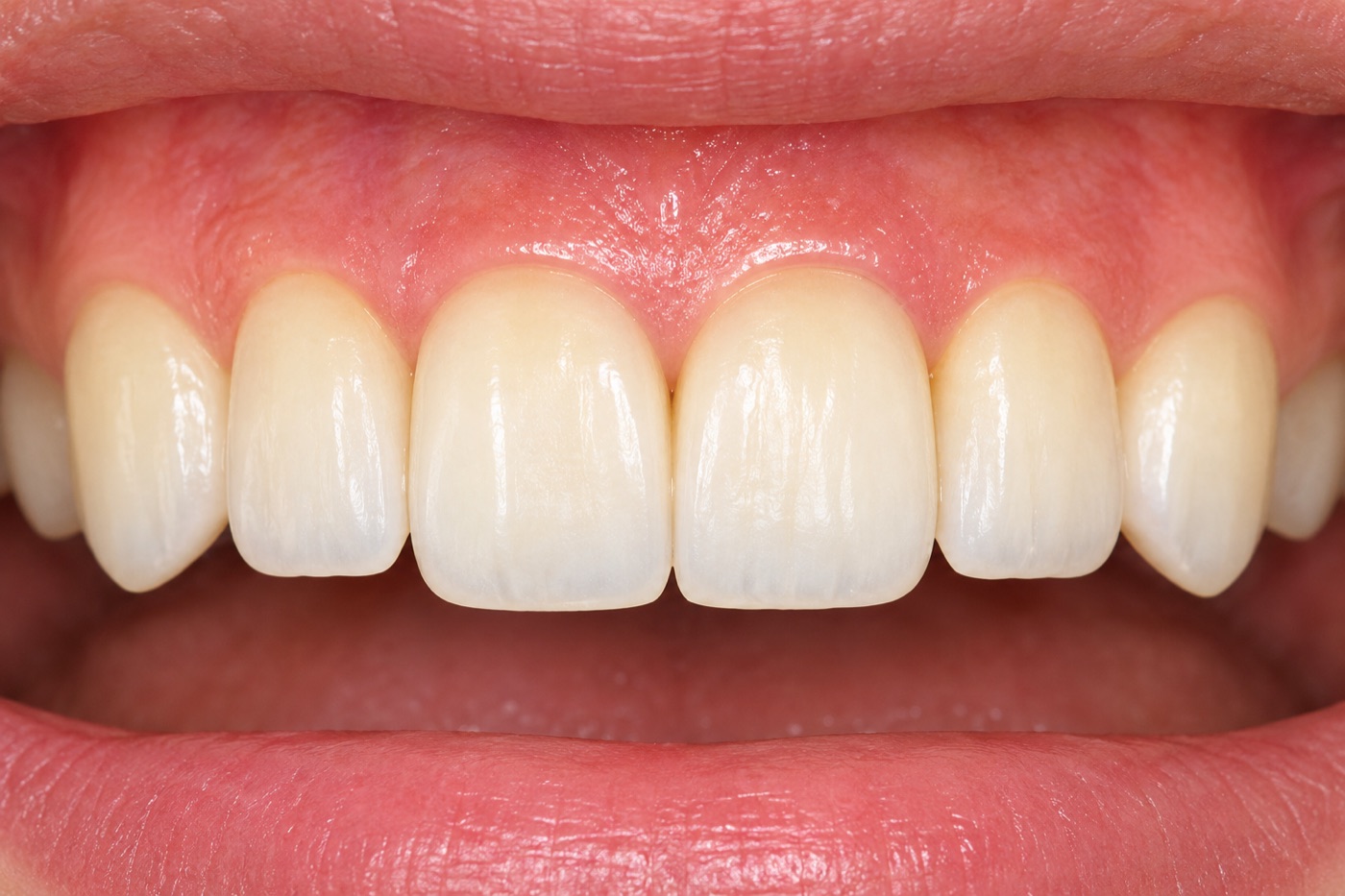
Shade comparison for dental technicians
Just hover over an intraoral photo opened in Preview or Photoshop. L, a and b stay right next to the cursor, even when you click the photo, and a single key press shows the color difference (CIEDE2000) from your reference point.
Always in front
Digital Color Meter is an ordinary window, so it disappears behind the photo as soon as you click the photo. DeltaShade's values are always right next to the cursor, on top of everything.

Click the photo and the values window goes behind it

| L | 89.38 | (−2.56) |
| a | 3.53 | (+0.73) |
| b | 15.13 | (+3.81) |
| Ref | Diff | Current | |
|---|---|---|---|
| L | 91.94 | −2.56 | 89.38 |
| a | 2.80 | +0.73 | 3.53 |
| b | 11.32 | +3.81 | 15.13 |
Click all you like — the values and compare window stay in front
Features
A small tool that watches quietly alongside your usual image viewer, without getting in the way.
Reads the color under the cursor about 15 times a second and shows a swatch with L, a and b right next to it.
Set a reference point and the ΔE to the cursor position is calculated on the spot. CIEDE2000 by default; switch to CIE94 or CIE76 in Settings.
Six aperture sizes from 1 to 11 (largest by default). Averages the same area, the same way, as the Digital Color Meter built into macOS.
| Ref | Diff | Current | |
|---|---|---|---|
| L | 78.48 | −4.27 | 74.21 |
| a | 5.25 | +2.02 | 7.27 |
| b | 16.56 | +2.81 | 19.37 |
The compare window shows the reference color and the color under the cursor side by side, with the difference in L, a and b and the ΔE at a glance.
Save the spots you care about and review them later in the menu bar list: time, swatch, Lab and ΔE from the reference.
Everything is done with double-taps on the keyboard. Clicks and right-click menus in Preview or Photoshop are not affected.
Mac & Windows
Every Mac comes with Digital Color Meter, but Windows has no equivalent. DeltaShade looks and works the same on Mac and Windows, with the same keys.
The values are measured exactly like Digital Color Meter, plus an always-on display next to the cursor, ΔE from a reference and saved samples.
Double-tap Shift for the reference, double-tap Ctrl for a sample — the same screens and keys as on the Mac. Lab is calculated from your display's color profile.
How to use
Place the cursor where you want to measure, then press the keys.
Double-tap quickly. The compare window opens.
Double-tap quickly. Fills the next empty slot.
Press both at once to clear the reference.
Accuracy
The Mac version reads colors and converts them to Lab the same way as the Digital Color Meter built into macOS. These are results from real photos of teeth and gums taken during development (aperture 11).
| Spot | Digital Color Meter (L / a / b) | DeltaShade (L / a / b) | Max. diff |
|---|---|---|---|
| Tooth 1 | 78.48 / 5.25 / 16.56 | 78.49 / 5.25 / 16.56 | 0.01 |
| Tooth 2 | 74.21 / 7.27 / 19.37 | 74.22 / 7.27 / 19.37 | 0.01 |
| Tooth 3 | 70.04 / 7.52 / 21.60 | 70.05 / 7.51 / 21.61 | 0.02 |
| Gum | 26.20 / 29.24 / 16.94 | 26.20 / 29.24 / 16.94 | 0.01 |
The values are the colors recorded in the photo. They depend on how the photo was taken (light source, exposure, white balance), so we recommend comparing photos taken under matched conditions, for example with a gray card.
Price
DeltaShade — 1 license (Mac and Windows)
¥2,000tax incl., one-time
Payment is processed by Lemon Squeezy (USA). Credit cards, PayPal, Apple Pay, Google Pay and more are accepted. The price is in Japanese yen; your card converts it to your currency.
Install
DeltaShade is made by an independent developer who is not enrolled in Apple's or Microsoft's paid developer programs. So the first time only, you need to confirm it as follows.
FAQ
Screen Recording is used to read the color at the cursor, and Accessibility to detect the Shift and Control double-taps. Screen images are never saved or sent anywhere.
This message appears for apps from independent developers who are not enrolled in Apple's or Microsoft's paid programs. Allow it once as described in “Opening it for the first time” above, and it will open normally from then on.
Like Digital Color Meter, DeltaShade converts back through the profile used for display, so in most cases they don't change. Only very saturated colors that the display can't show may change.
No. DeltaShade shows the colors recorded in the photo. It is not a substitute for a colorimeter and must not be used for diagnosis. Use it to compare photos taken under the same conditions.
No. It requires a Mac with Apple silicon (M1 or later).
Both use the same formulas, but each OS handles screen color differently, so they are not exactly the same. In our tests the same color sample differed by about 0.7 or less. Always compare on the same computer.